Surviving the Pre-Patch Addon Apocalypse
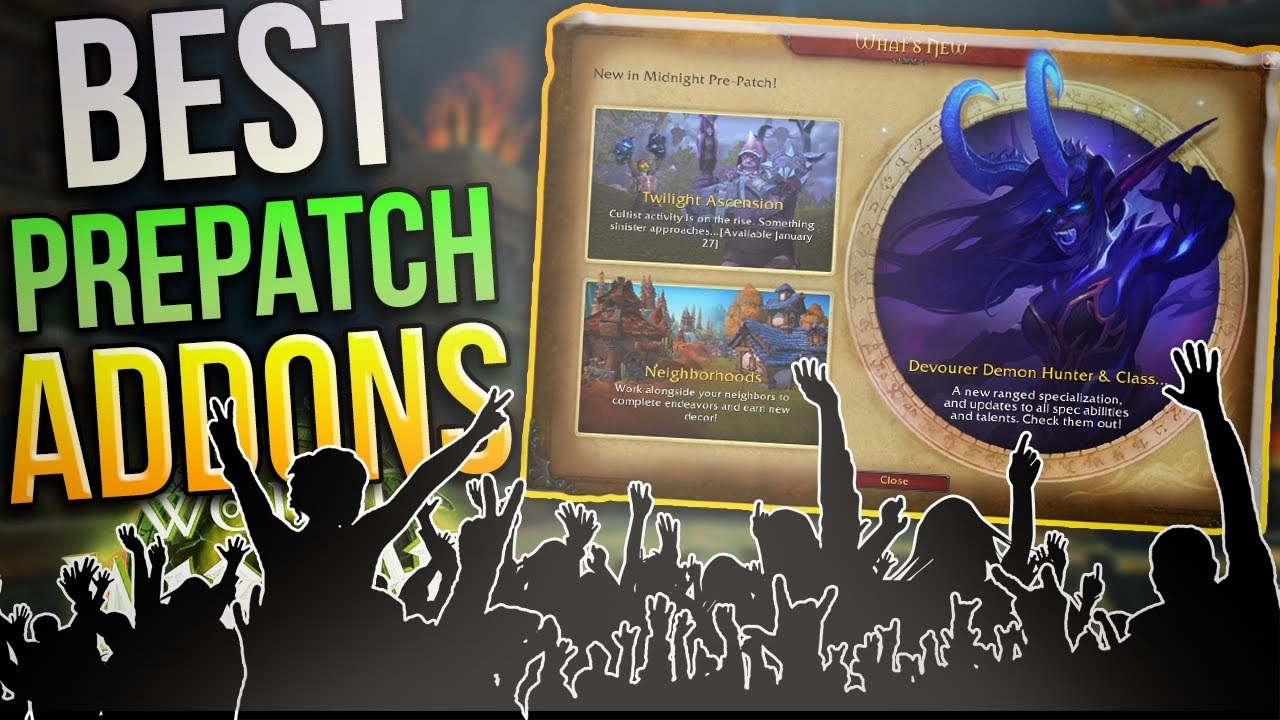
With Midnight's pre-patch came a sweeping overhaul of the WoW interface. Blizzard disabled many combat-related addons, forcing players to find alternatives to WeakAuras, Plater, and Shadowed Unit Frames. Non-combat addons — HandyNotes, TomTom, Auction House management — are unaffected, so much of your setup survives intact. The tools that replace the combat layer are fewer, more focused, and worth knowing before patch day.
Key Takeaways
- NefUI consolidates WeakAuras-style icons, Bartender action bars, Grid/Cell raid frames, and Quartz cast bars into a single download — the most complete single solution for the pre-patch.
- Platinator is the approved Plater successor: basic nameplate size and placement work; the full scripted-profile system from Plater is gone under the new restrictions.
- Install Buggrabber and BugSack before the patch fires — they catch error spam from incompatible addons before it floods your screen on day one.
- HandyNotes, TomTom, and Auction House management addons are unaffected; your exploration and economy setup carries over without changes.
- Battery Ability Timeline recreates the visual cooldown-tracker layout that WeakAura users built, operating within the new restrictions.
- Community profile packs for NefUI lag two to three days behind patch day — plan to build your own layouts at launch rather than waiting for shared profiles.
The loot changes are the most immediately actionable piece; the following covers each addon category in detail.
Useful Addons During the Transition
A couple of addons are worth installing before you log in on pre-patch day:
- Buggrabber and BugSack: These intercept and collect error messages that fire when broken addons try to load, keeping the clutter off your screen and making it easier to spot which addons need disabling.
With error management handled, the search for functional replacements begins.
NefUI: A Comprehensive Replacement
The leading contender for replacing traditional addons is NefUI. Originally designed for small quality-of-life improvements, NefUI expanded into a full UI suite covering several functions players relied on separately:
- Styling Frames: Simplifies customization of character, target, and focus frames.
- Raid and Party Frame Management: Integrates the functionality previously provided by Grid or Cell.
- Cast Bar and Buff/Debuff Management: Replaces addons like Quartz for cast bars and offers thorough customization of buffs and debuffs.
- Action Bar Customization: Acts as an alternative to Bartender for personalizing action bars.
- Dynamic Icon Management: Allows creation and organization of dynamic icons for defensives, cooldowns, and other abilities across the UI.
Creating NefUI icons is more time-consuming than loading a pre-built WeakAura profile, but the addon is designed to work within Blizzard's new restrictions while covering the same functional ground.
✏️ Tip: Build your NefUI cooldown icons one role at a time — tank defensives first, then healer or DPS cooldowns. Trying to configure everything in one session on patch day leads to a messy layout you will rebuild anyway.
Beta-Favorite: Platinator
Platinator gained traction in the Midnight beta as the successor to Plater. The addon works within the new nameplate restrictions, but the full scripted-profile system Plater users relied on is no longer available:
- Nameplate Customization: Enables basic modifications — size, placement, and color — but the deep scripting and automation Plater users expected is off-limits under the new policy.
For a quick reference on how these addons map to their predecessors:
| Addon |
Functionality |
Replacement For |
| NefUI |
Comprehensive UI customization |
WeakAuras, Bartender, Grid, Cell |
| Platinator |
Basic nameplate modifications |
Plater |
| HandyNotes |
Location-based tips and markers |
No change needed |
| TomTom |
Navigation through coordinates |
No change needed |
With the essentials mapped, the next decision is how far to extend UI customization.
Enhancing the UI Experience
Beyond the essentials, player preferences drive what the rest of the UI looks like. The options are narrower than before but still workable:
- Size Adjustments: Choose whether health bars and other UI elements are larger or smaller for clearer combat visibility.
- Texture Choices: Different textures change the visual weight of UI elements without affecting function.
- Border Preferences: Select from multiple border styles or go borderless if that suits your taste.
- Color Schemes: Experiment with color for visual clarity, especially for class-colored health bars in raid frames.
Platinator handles nameplate editing within those constraints, while NefUI bundles party frames, cast bars, and cooldown managers into a single package.
📌 Common mistake: Disabling all addons before the patch and trying to rebuild everything from scratch on launch day. Download and test NefUI and Platinator the week before the patch so you understand the workflow before it matters.
Customization Tools: Cast Bars and Cursors
NefUI's cast bar customization does not reach the granularity of Quartz, but it covers the practical settings: position, size, and color. For players who want an additional layer of visual information, the Ultimate Mouse Cursor tool adds:
- Rings that display casts, health, or resources around the cursor.
- Color and trail adjustments to match your visual style.
- Scale and visibility controls to avoid distracting yourself during fast encounters.
These options let you maintain a responsive, personalized view during combat without crossing into the automation territory the new rules target.
Additional Styling Options
For aesthetic flexibility, the Mask addon handles button appearances and styles for action bars and cooldown managers. Themes like Light Step, Entropy Sonite, and Onyx give the UI distinct looks without scripted automation.
The Battery Ability Timeline addon provides a visual cooldown layout that mirrors what WeakAura users built for tracking skill activations. The layout is familiar and operates within the new restrictions.
Managing Encounter Reminders
Addons that handle encounter reminders — cooldown tracking, spawn timers, action prompts — are the most affected category. A few tools proved functional in the Midnight beta for managing critical gameplay elements without automating combat responses.
⚠️ Warning: Profile packs shared by the community during the beta may not cover every class and specialization at launch. Expect a two-to-three-day gap before reliable shared profiles are available. Use that window to dial in your own NefUI setup rather than waiting for someone else's profile to fit your playstyle.
Combat Enhancements and Pre-Patch Preparation
The selection of viable combat-enhancement addons is narrower in Midnight's pre-patch environment. A few principles make the transition easier:
- Combat Add-Ons: Focus on addons that improve core combat visibility — cast bars, buff tracking, and cooldown displays — without automating responses.
- Profile Packs: Look for community profile packs after the first reset, when most class configurations stabilize.
- Customization by Spec: Each specialization has different cooldown and resource priorities; build spec-specific layouts rather than one universal profile.
Players also working through their pre-expansion checklist can find a structured guide on the Prepare for Midnight hub. Testing the recommended addons before the patch fires — and monitoring community forums in the first days — remains the fastest path to a functional UI in the new environment.
Frequently Asked Questions
What addons does Blizzard disable in the Midnight pre-patch?
Blizzard disabled combat addons that automate responses to in-game events. WeakAuras combat-trigger routines, Plater's scripted nameplate automation, and Shadowed Unit Frames were affected. Non-combat addons such as HandyNotes, TomTom, and Auction House tools are unaffected.
What is NefUI and what addons does it replace?
NefUI is an all-in-one UI framework covering WeakAuras-style icon management, Bartender-style action bar customization, Grid and Cell-style raid frames, and Quartz-style cast bars in a single package. It is designed to operate within Blizzard's new addon restrictions for Midnight.
Does Platinator fully replace Plater?
Not completely. Platinator handles nameplate size, placement, and color under the new restrictions, but the scripted-profile system that advanced Plater users relied on — custom debuff tracking, proc highlights, and priority stacks — is not available under the Midnight addon policy.
Which addons are unaffected by the Midnight pre-patch changes?
Non-combat addons remain active. HandyNotes, TomTom, Auction House management tools, and pure aesthetic addons like Mask are not blocked. The restrictions target automation of combat decisions, not navigation or economic tools.
What should I install before patch day?
Install Buggrabber and BugSack first. These addons catch error messages from broken or incompatible addons before they flood your screen on patch day, making it straightforward to identify which addons need disabling or updating.
What happened to WeakAuras in Midnight?
Blizzard restricted the parts of WeakAuras that automated combat responses to in-game triggers. The aesthetic and tracking elements were effectively absorbed into NefUI and similar tools. Battery Ability Timeline partially replicates the visual cooldown-tracking display that WeakAura users built, operating within the new restrictions.
Are community profiles available for NefUI at launch?
Not immediately. Profile packs from the beta community cover some class configurations but not every specialization. Expect a two-to-three-day lag before broadly shared profiles stabilize. Building your own NefUI layout in the days before the patch is the most reliable approach for day-one play.
Maintained by WowCarry's WoW team. Last reviewed 2026-05-28 against the Midnight pre-patch addon policy changes.