Key Takeaways
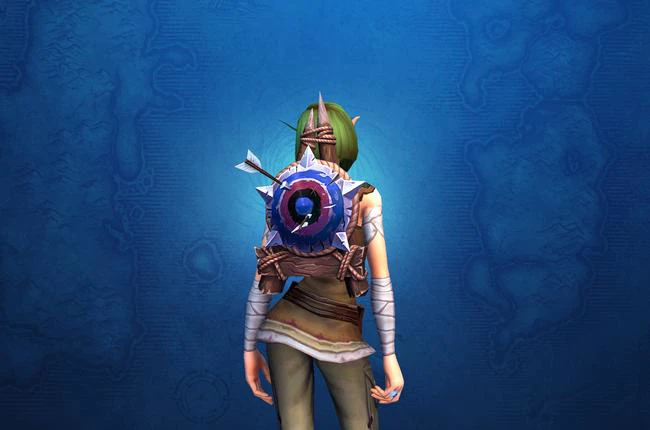
- The Coward's Azure Target was a back-slot cloak transmog earned through a Twitch Drop tied to Plunderstorm.
- The drop ran from January 14 to February 4, 2025, and required four hours of watched World of Warcraft content on Twitch.
- This window was Plunderstorm's return, tied to Patch 11.0.7, not its debut; the mode first launched in Patch 10.2.6 on March 19, 2024.
- The Azure Target was a recolor of the Coward's Violet Target, the August 2024 Trading Post Traveler's Log reward.
- Eligibility required a linked Twitch and Battle.net account, with rewards arriving in-game within 24 hours of claiming.
- The drop and the event have both ended, so the Coward's Azure Target is no longer obtainable.
This post first went up as the drop was starting. That window has long since closed, so here is how the Coward's Azure Target worked, where it came from, and why the "new launch" framing around it was off.
What the Coward's Azure Target Was
The Coward's Azure Target was a back-slot cloak transmog, and the joke wrote itself: the cosmetic literally puts a target on your back. It was a blue recolor of the Coward's Violet Target, which players had earned for finishing the August 2024 Trading Post Traveler's Log. Both are cloak-slot cosmetics, so anyone who missed the Violet version had a second shot at the look in a new color.
This Was Plunderstorm's Return, Not Its Launch
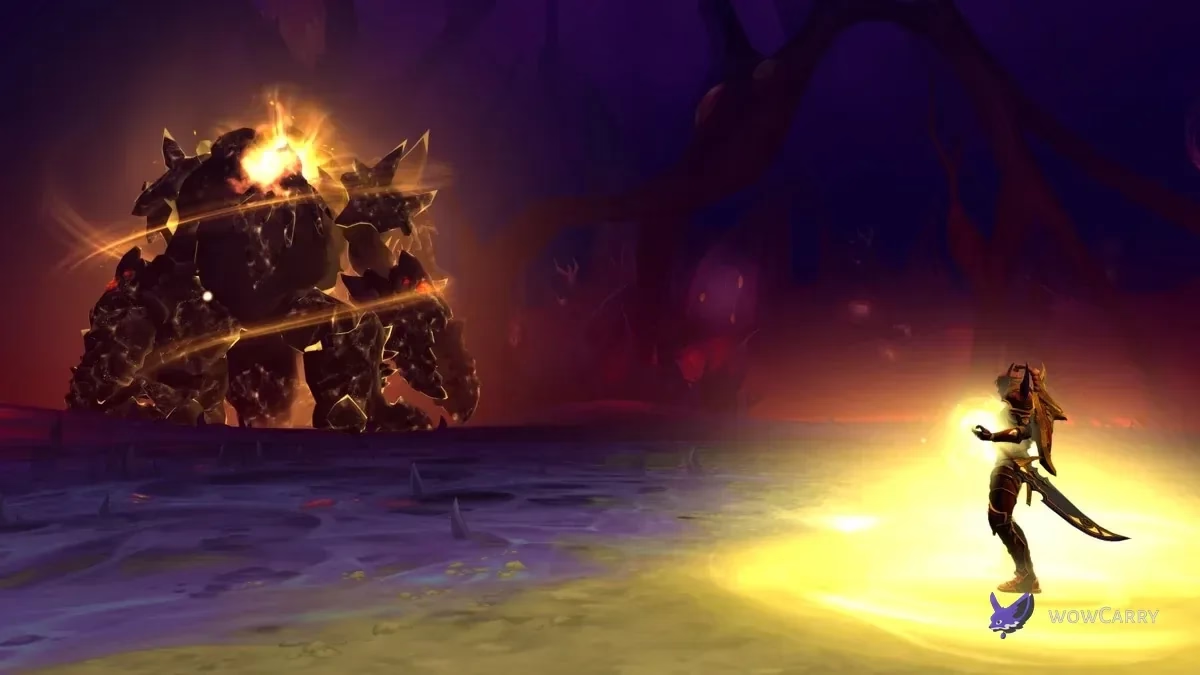
The original post framed January 14 as the launch of Plunderstorm, which is where it slipped. Plunderstorm first went live in Patch 10.2.6 on March 19, 2024, during Dragonflight. The January 2025 run was its second outing, this time attached to Patch 11.0.7 in The War Within.
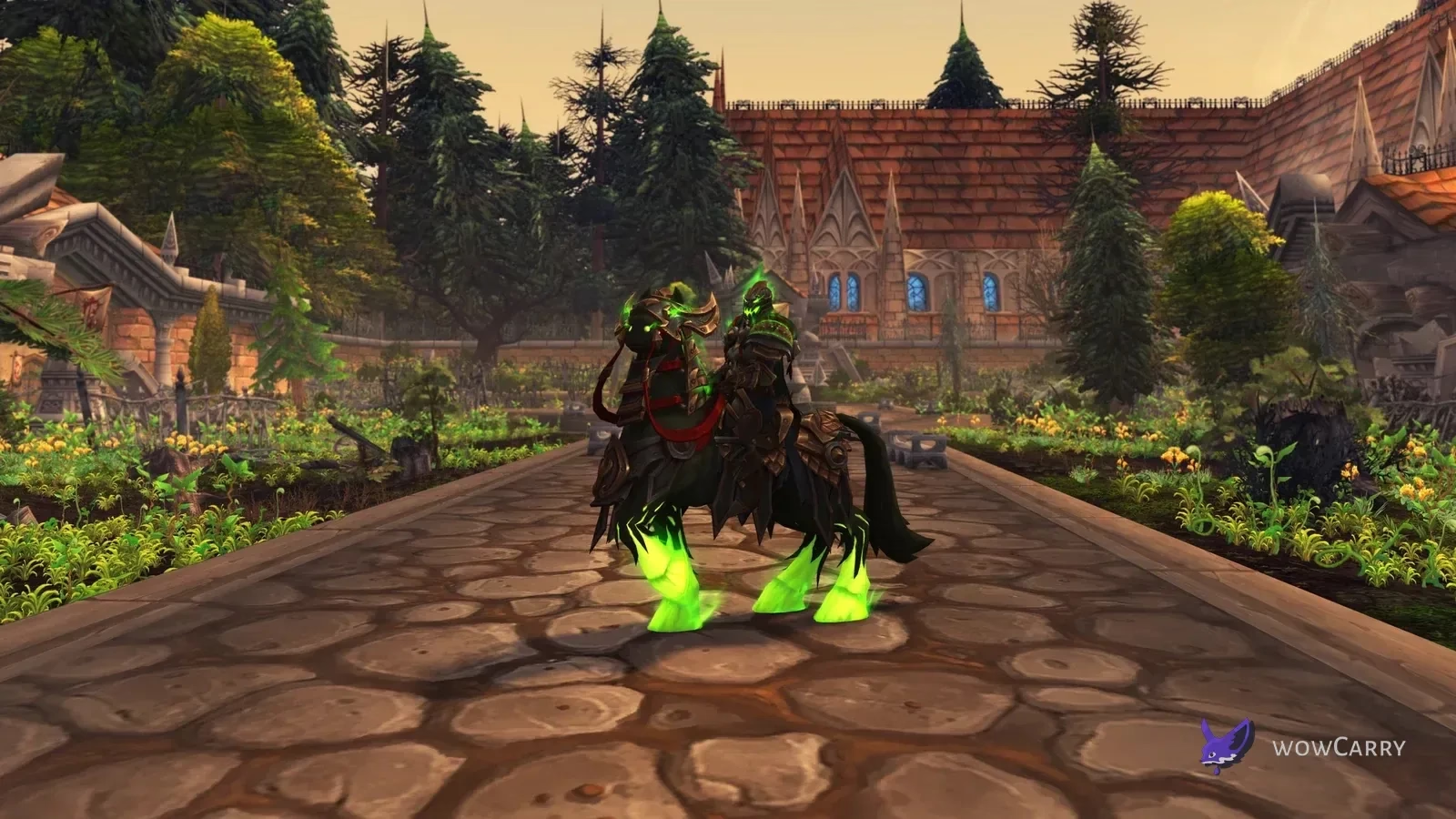
The return added the Plunderstore currency shop with new mounts, pets, and the Plunderlord's Stormridden set, and players could queue into the mode from inside The War Within rather than through a separate login. The full event ran from January 14 to February 25, 2025, closing out when Patch 11.1 arrived. The Twitch Drop itself was a shorter window inside that run.
How the Twitch Drop Worked
The mechanics followed Blizzard's standard Twitch Drop flow.
Linking your accounts
Eligibility started with a connected account. Players linked Twitch to Battle.net at account.battle.net/connections. If a password or account detail had changed, the link had to be refreshed, and Blizzard enforced a seven-day cooldown before a different Twitch account could be linked in its place.
Earning and claiming the drop
With accounts linked, players watched four hours of World of Warcraft category content on Twitch between January 14 at 10:00 AM PST and February 4 at 10:00 AM PST. Watch time carried across channels as long as they stayed in the WoW category. The reward was claimed on the channel being watched or through the Drops Inventory on Twitch, and it landed in-game within 24 hours.
Frequently Asked Questions
Can you still get the Coward's Azure Target?
No. The Twitch Drop ran only from January 14 to February 4, 2025, and Plunderstorm's return ended on February 25, 2025 with Patch 11.1. The Coward's Azure Target is no longer obtainable, though its Violet counterpart came from an earlier Trading Post log.
Was January 2025 the launch of Plunderstorm?
No. Plunderstorm launched in Patch 10.2.6 on March 19, 2024 during Dragonflight. The January 2025 event was its second run, tied to Patch 11.0.7 in The War Within, with the added Plunderstore shop and in-game queueing.
Which devices could earn and claim drops?
Drops could be earned and claimed on PC and Mac browsers or through the Twitch app on Android and iOS. Game consoles and smart TVs were not supported for the watch requirement.
Did you have to stay on one Twitch channel?
No. Viewers could switch between channels inside the World of Warcraft category on Twitch and still accumulate watch time toward the four-hour requirement.
Which regions were eligible?
Eligible regions included North America, Latin America, Europe, the Middle East, Africa, Japan, Taiwan, Southeast Asia, Australia, and New Zealand.
How did streamers enable drops?
Streamers linked their Twitch and Battle.net accounts and opted into drops through the Drops Streamer Home, which let their viewers earn the reward while watching their World of Warcraft streams.
Last reviewed 2026-07-03 against Patch 11.0.7 (Plunderstorm return) — Maintained by WowCarry's WoW team.