Key Takeaways
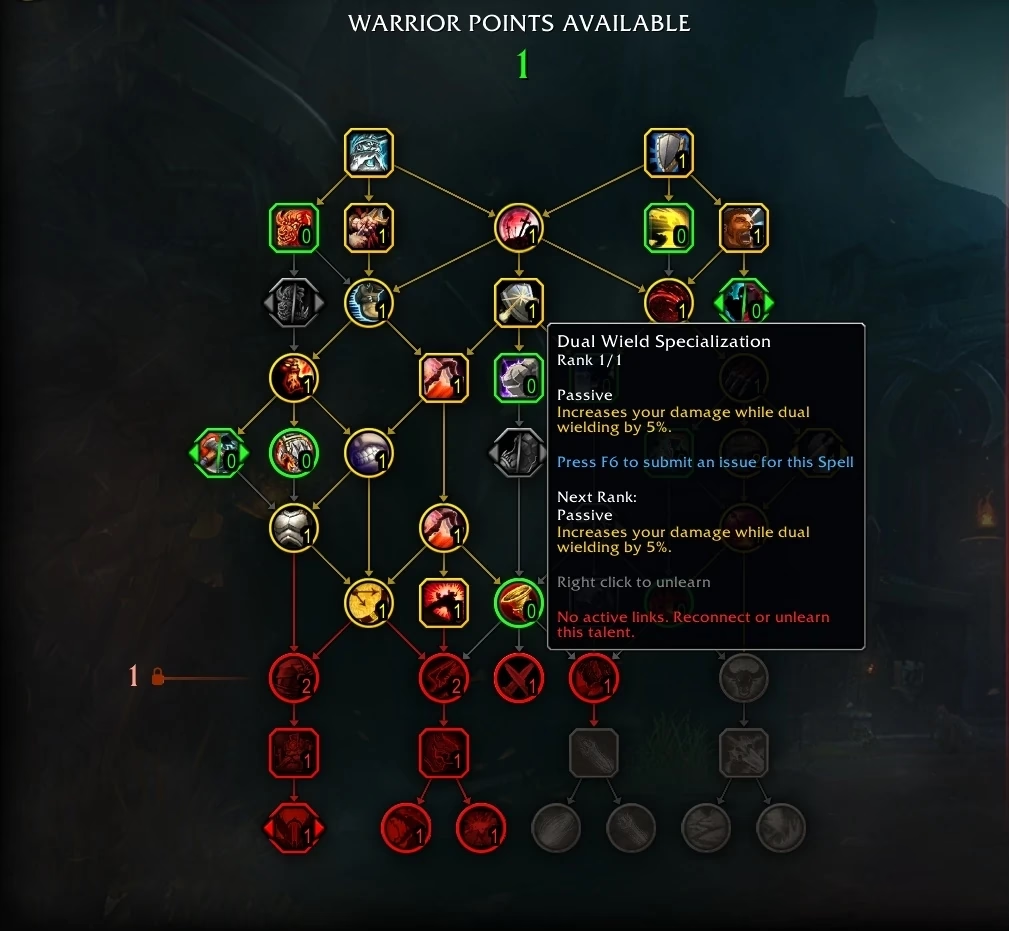
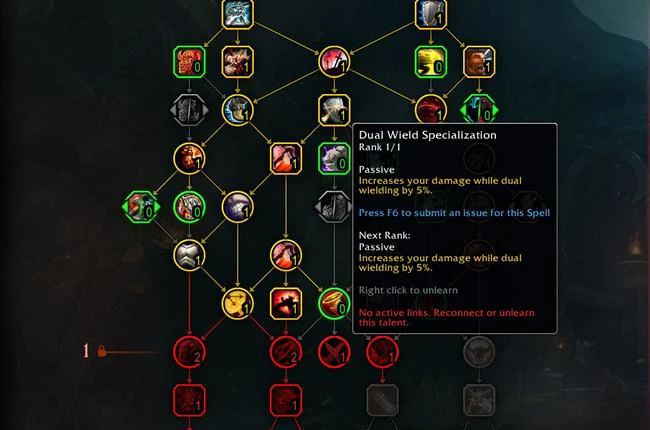
- Since Patch 10.2 Guardians of the Dream, unallocating a talent point removes only that point, not every talent beneath it on the tree.
- Hold Shift and right-click a talent to clear it along with everything connected below it, the old all-at-once behaviour kept as an option.
- This single-point refund has stayed in the talent UI ever since, through The War Within and into Midnight, so the steps below still apply on a current character.
- You still cannot edit talents in combat or while a Mythic+ key is active, but out of combat you can respec anywhere at no cost or swap saved loadouts instantly.
- Patch 10.2 also added regular flying to the Dragon Isles, the Amirdrassil, the Dream's Hope raid, and the legendary axe Fyr'alath the Dreamrender.
Here is how the single-point refund works, followed by what else arrived with Guardians of the Dream.
Removing a Single Talent Point
Before Patch 10.2, unallocating a point that gated talents further down the tree removed every point below it as well. Swapping one node meant re-spending several others, and players leaned on fiddly workarounds: unallocate non-dependent points, assign temporary ones to keep the path intact, remove the unwanted node, then put the original points back. It was tedious busywork for a one-talent change.
That changed with 10.2. Unallocating a talent now removes only that single point and leaves the rest of the build intact. A single talent is refunded with a right-click. No functionality was lost in the trade: if you want to clear a talent and everything that branches off it in one motion, hold Shift and right-click the node, exactly as before. The tree has worked this way ever since, so the same workflow applies if you are editing a build today.
The usual restriction still holds. You cannot edit talents in combat or while a Mythic+ key is running, and some instanced encounters lock changes too. Out of combat, though, you can respec anywhere at no cost, or switch between saved talent loadouts to change specs on the fly without rebuilding the tree by hand.
What Else Patch 10.2 Added
Guardians of the Dream was a content-heavy patch, and the talent change arrived next to several headline features.
Regular Flying Returned to the Dragon Isles
Patch 10.2 added steady, hover-and-land flying to the Dragon Isles through the Dragon Isles Pathfinder achievement, sitting alongside Dragonriding rather than replacing it. Players who preferred classic flight could finally take it across all four zones, so routine gathering and questing no longer meant dismounting at every ledge.
Amirdrassil and Fyr'alath the Dreamrender
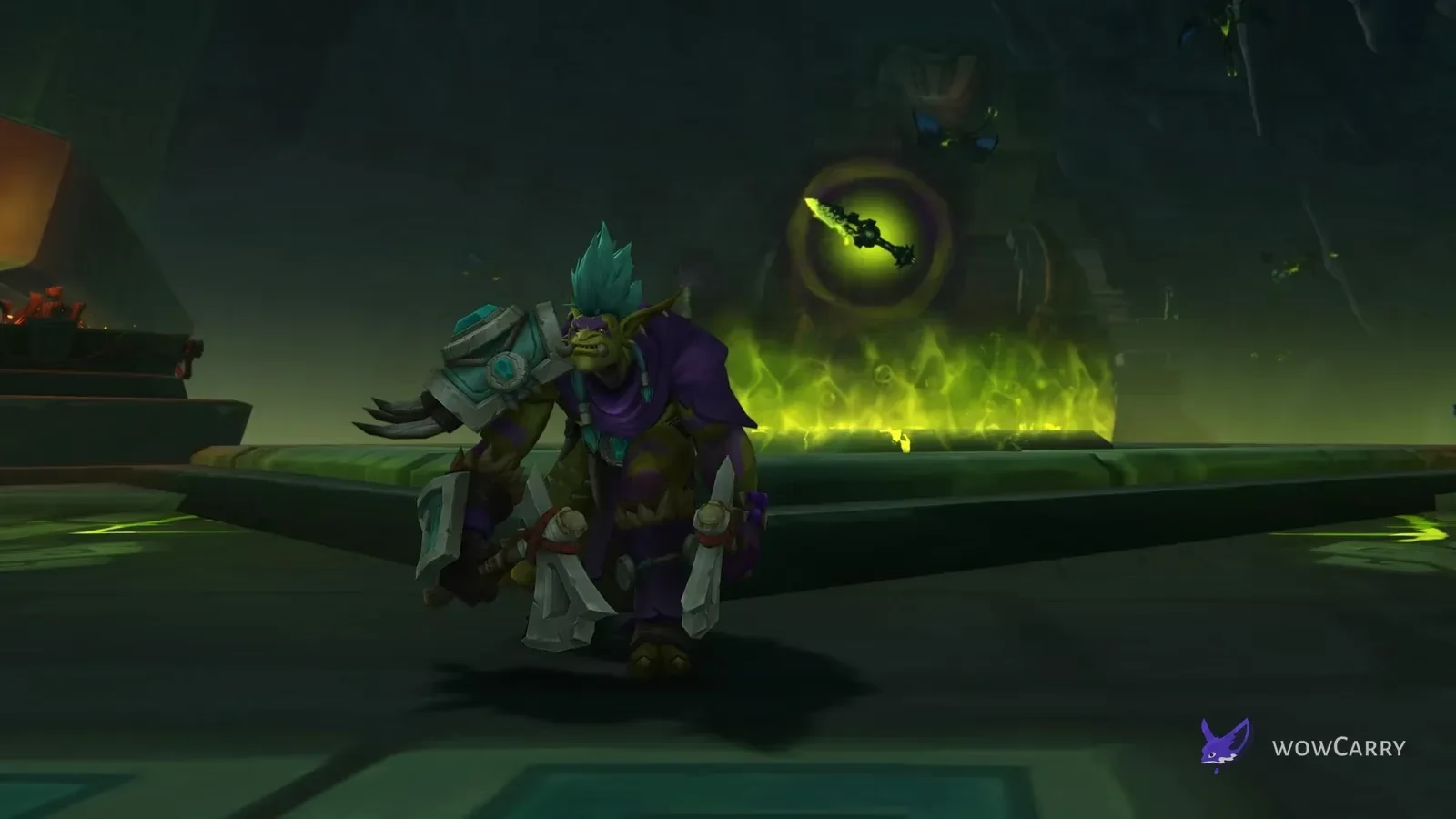
The patch opened Amirdrassil, the Dream's Hope, a nine-boss raid that closed the Emerald Dream storyline against Fyrakk the Blazing. Fyrakk dropped Fyr'alath the Dreamrender, the expansion's second legendary and a two-handed Strength axe for Death Knights, Paladins, and Warriors. Players chasing a clean full clear of the raid as legacy content can take an Amirdrassil raid carry rather than grinding it solo.
Season 3 Gearing Changes
Dragonflight Season 3 reshaped how gear topped out. Crafted equipment was capped below the highest raid, Mythic+, and Great Vault item levels, so it was no longer the best-in-slot pick for raw item level the way it had been in Season 2. The Flightstones-and-Crests upgrade system was streamlined, with crests becoming a currency rather than bag items, under a weekly cap. The Season 3 Mythic+ rotation ran eight dungeons, headlined by both wings of Dawn of the Infinite.
Druid Form Customizations
Patch 10.2 also delivered a large barbershop pass for Druid shapeshifts. Bear Form gained Runebear, Umbraclaw, and Bristlebruin variants, Cat Form picked up Dreamsaber colours, and Moonkin Form earned feather, beak, and horn options. Whether you wanted a fiercer bear or a flashier Moonkin, 10.2 finally let Druids personalise the forms they spend most of their time wearing.
Last reviewed 2026-06-29 against Patch 10.2 Guardians of the Dream β Maintained by WowCarry's WoW team.
FAQ
How do I remove just one talent point in WoW?
Open your talent tree out of combat and right-click the point you want to refund. Since Patch 10.2, that removes only the single node you click, even if other talents sit below it on the tree, so the rest of your build stays in place. You can then spend the freed point elsewhere or leave it banked.
Why does removing a talent sometimes clear the ones below it?
That happens when you hold Shift and right-click. Shift + right-click is the deliberate mass-clear option: it removes the talent plus everything connected or dependent beneath it in one action. A plain right-click refund removes only the one point, so use Shift + right-click only when you actually want to wipe a whole branch.
Can I change talents in combat or during a Mythic+ key?
No. Talent edits are locked in combat and while a Mythic+ keystone is active, and several instanced encounters block changes as well. Make your respec before you pull. Out of combat you can change talents anywhere at no cost, and saving multiple talent loadouts lets you swap full builds instantly.
What is a talent loadout?
A loadout is a saved copy of your full Class and Spec talent tree that you can name and switch between from the talent UI. Dragonflight introduced loadouts so you can keep a single-target raid build, an AoE Mythic+ build, and a PvP build ready, then swap between them out of combat without re-spending points one at a time.
When did Patch 10.2 Guardians of the Dream release?
Patch 10.2, Guardians of the Dream, went live on November 7, 2023, as the third major content patch of Dragonflight. It introduced the Emerald Dream zone, the Amirdrassil, the Dream's Hope raid, Dragonflight Season 3, and the single-point talent refund described earlier.
What was the big raid in Patch 10.2?
Amirdrassil, the Dream's Hope was the Season 3 raid, a nine-boss instance ending with Fyrakk the Blazing. Defeating Fyrakk on the legendary questline rewarded Fyr'alath the Dreamrender, a two-handed Strength axe for Death Knights, Paladins, and Warriors.
Did Patch 10.2 add flying to the Dragon Isles?
Yes. Patch 10.2 enabled regular, steady flight in the Dragon Isles once you earned the Dragon Isles Pathfinder achievement. It runs alongside Dragonriding, so you can choose hover-and-land flying or the faster momentum-based Dragonriding depending on the trip.