What the Camera Collision Update Changed
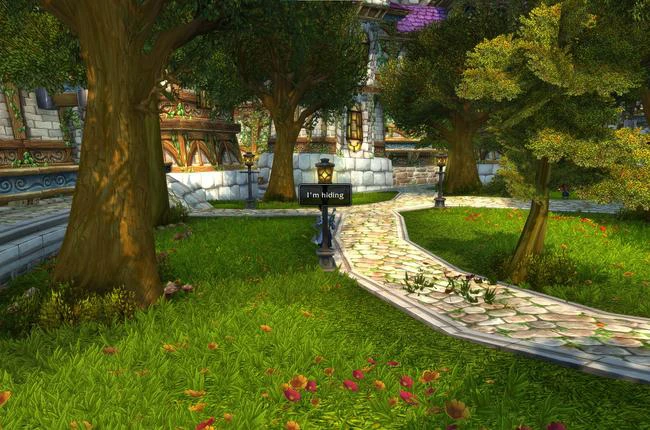
The War Within shipped with a notable improvement to how the game camera handled environmental objects. Before this update, players frequently experienced abrupt zooming whenever their character moved close to lampposts, rock formations, or other world objects. The new feature reduced how often the camera corrected itself by allowing the character to be partially obscured before the camera reacted.
Console Commands for Camera Collision
Blizzard added two new console commands alongside the update:
- To toggle the feature on or off:
/console cameraIndirectVisibility 0(disabled) or/console cameraIndirectVisibility 1(enabled) - To adjust how sensitive the camera was to obstruction:
/console cameraIndirectOffset [value]
These commands gave players direct control over the camera behaviour without requiring a UI addon. Setting the offset value higher made the camera more tolerant of obstructions; lower values made it react more quickly.
✏️ Tip: Players who found the default offset too aggressive could type /console cameraIndirectOffset 0.05 as a starting point for tuning. Smaller values reduced the correction distance before the camera shifted.
Practical Implications and Limitations
The update improved the average experience but did not eliminate all camera obstruction. Three situations remained where the camera still behaved unpredictably:
| Circumstance | Camera Effect | Example |
|---|---|---|
| Solid, unmovable objects | Camera pushed forward | Buildings, stone walls |
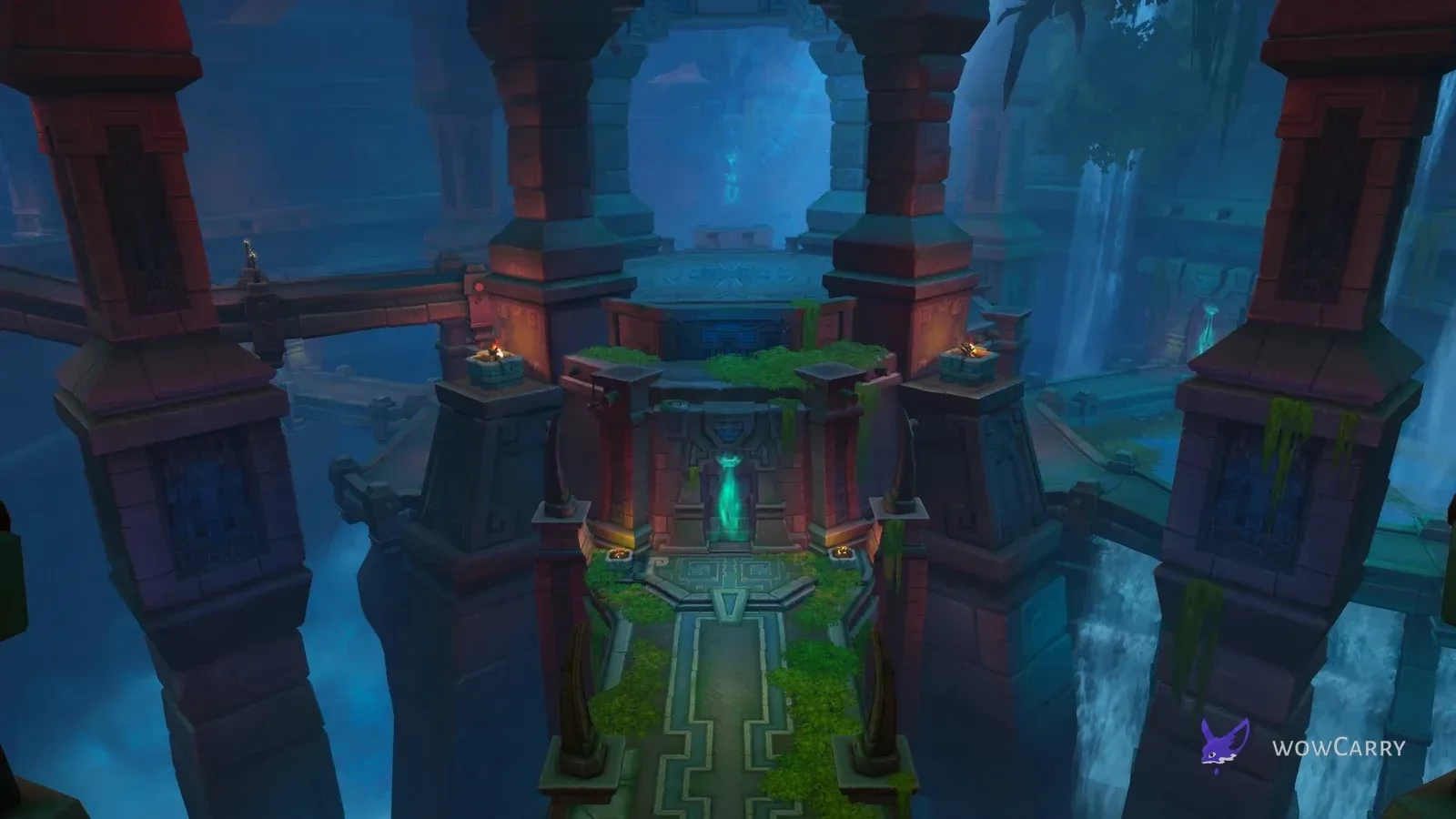
| Large trees or pillars | Character visibility blocked | Pillars in temple ruins |
| Occasional clipping | Camera clips through small objects | Small rocks, ground irregularities |
Environmental objects in WoW did not turn translucent as part of this update. Characters could still be fully hidden behind larger objects when the camera stayed in its default position. This was an intentional trade-off: the collision system avoided the visual oddity of world geometry becoming see-through.
📌 Common mistake: Some players expected the update to make all obstructions fade or become transparent, as in some third-person games. The War Within's implementation kept full object opacity and instead raised the threshold at which the camera moved to compensate.
FAQ
What did the War Within camera collision update fix?
It reduced how often the WoW camera abruptly zoomed in when a character moved close to environmental objects. The camera now allowed the character to be partially obscured before correcting its position, cutting down on jarring movement during normal traversal.
How do I toggle camera collision in WoW?
During The War Within, the commands were /console cameraIndirectVisibility 0 to disable and /console cameraIndirectVisibility 1 to enable. The sensitivity was adjustable via /console cameraIndirectOffset [value].
Did the camera collision update make objects transparent?
No. Environmental objects in The War Within did not become translucent. The update only changed the threshold at which the camera moved away from obstructions; objects retained their full visual opacity.
Were there still camera problems after the update?
Yes. Solid, unmovable objects like buildings still pushed the camera forward. Large trees and pillars could still block character visibility. Small rocks and ground irregularities occasionally caused clipping. The update improved the baseline experience but did not resolve every camera edge case.
Last reviewed 2026-06-19 against The War Within expansion — Maintained by WowCarry's WoW team.